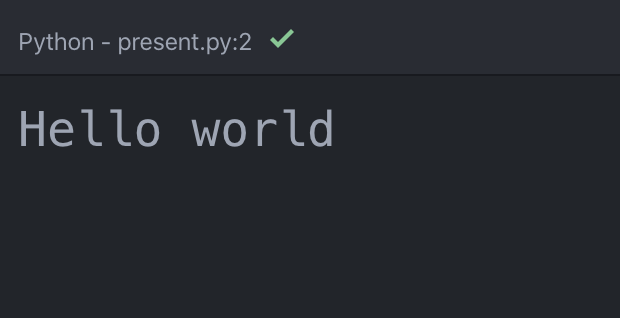
By default, Atom shows the script output in a small font size:
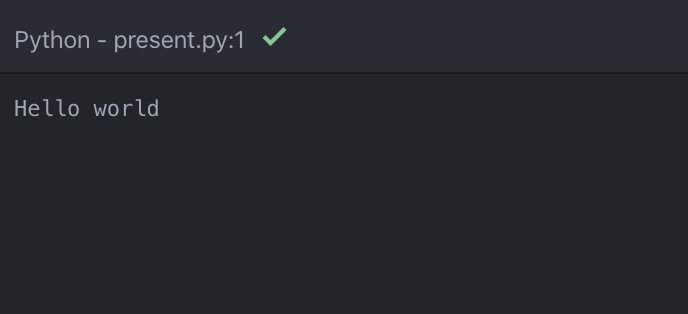
Atom allows you to increase the font size by adding a style in styles.less. This file is in the .atom folder that might be hidden on your computer. On macOS, you can toggle ‘show hidden files’ in the Finder with ⌘ + SHIFT + .
~/.atom/styles.less in Atom..script-view pre {
font-size: 200%;
}
This will increase the output font size: