There is no need to install any tools to let your mac go to sleep after X minutes. All you need is to use the native shortcuts app that can be put in the dock.
Make a sleeptimer without any tools or programming on macOS.
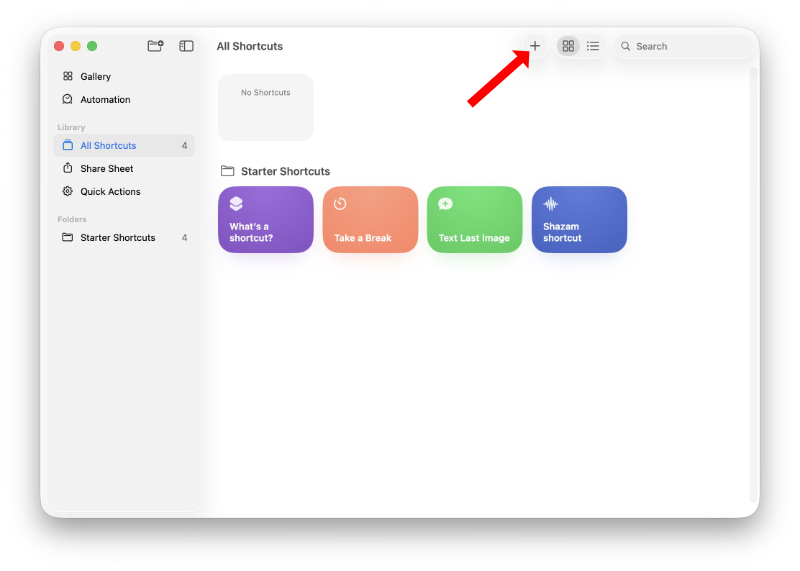
Start shortcuts.app
Create a new shortcut with the plus button
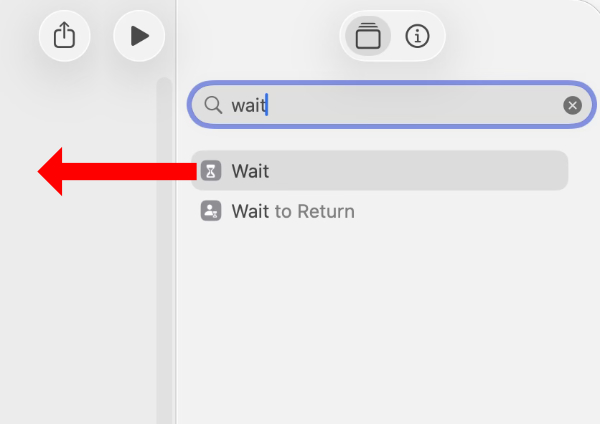
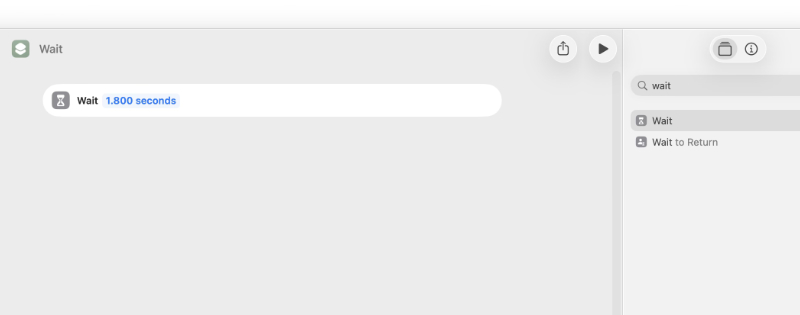
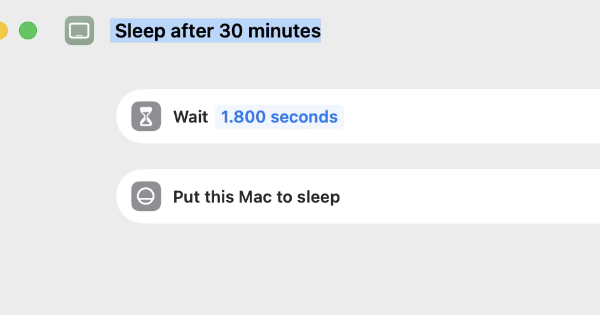
Search for 'wait' and drag it to the canvas
Change its value to 1800 seconds (that is 30 minutes)
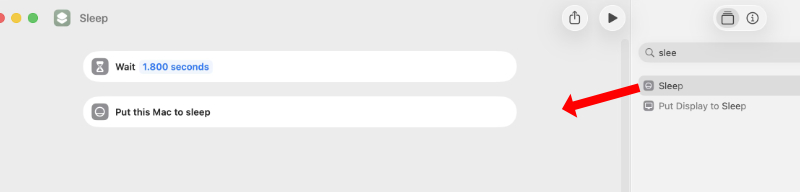
Search for 'sleep' and drag it to the canvas
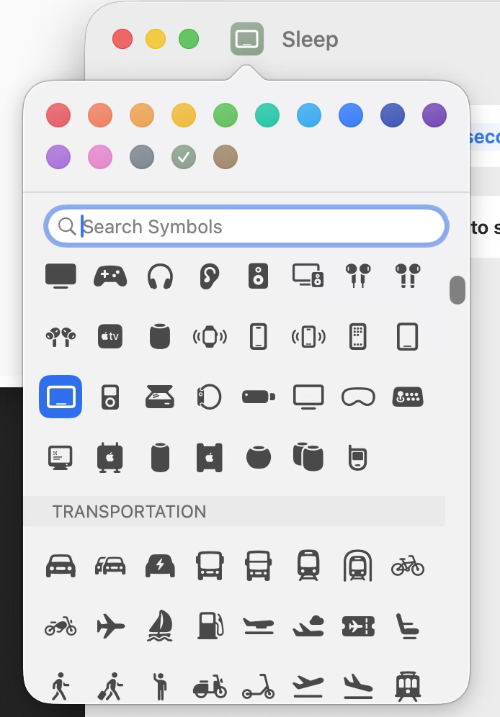
Choose an icon
Give the shortcut a name
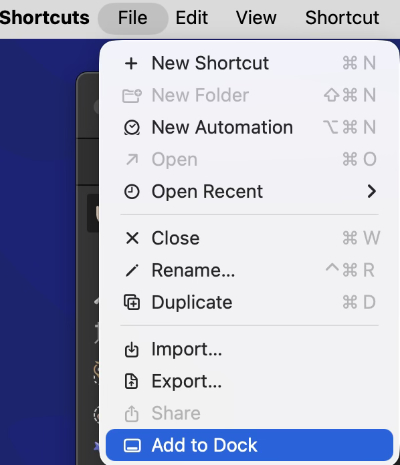
And add the shortcut to the dock
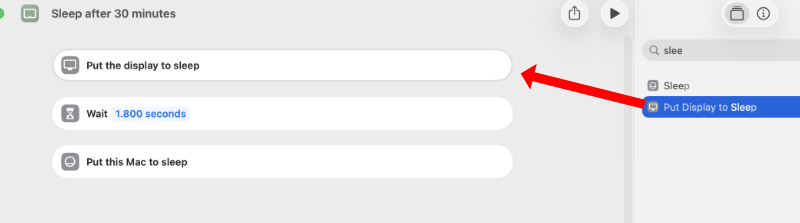
Turn off the screen first
If you are just listening to a podcast, you can immediately turn off the screen.
Drag 'Put Display to Sleep' as first item to the cancas
Quit the app and your dock icon should now run the updated shortcut.
Written by Loek van den Ouweland on 2026-04-09.
Questions regarding this artice? You can send them to the address below.