
This tutorial uses the beautiful Edmondsans font, created by James T.Edmondson, to demonstrate how to use OTF fonts in WinRT.
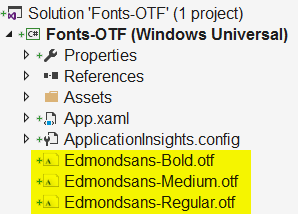
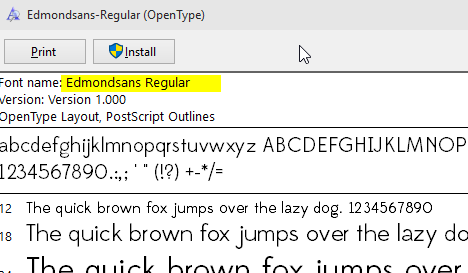
Open the font to inspect the Font name (Edmondsans Regular):
Textblock and use the Visual Studio or Blend property window to choose the regular font.XAML like this is created:
FontFamily="Edmondsans-Regular.otf#Edmondsans Regular"
Which strangely results in text rendered with the system font:

FontFamily="Edmondsans-Regular.otf#Edmondsans"

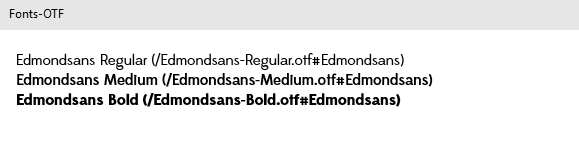
And this is how to show Edmond sans in regular, medium and bold weight:
<TextBlock Text="Edmondsans Regular" FontFamily="Edmondsans-Regular.otf#Edmondsans" />
<TextBlock Text="Edmondsans Medium" FontFamily="/Edmondsans-Medium.otf#Edmondsans" />
<TextBlock Text="Edmondsans Bold" FontFamily="/Edmondsans-Bold.otf#Edmondsans" />